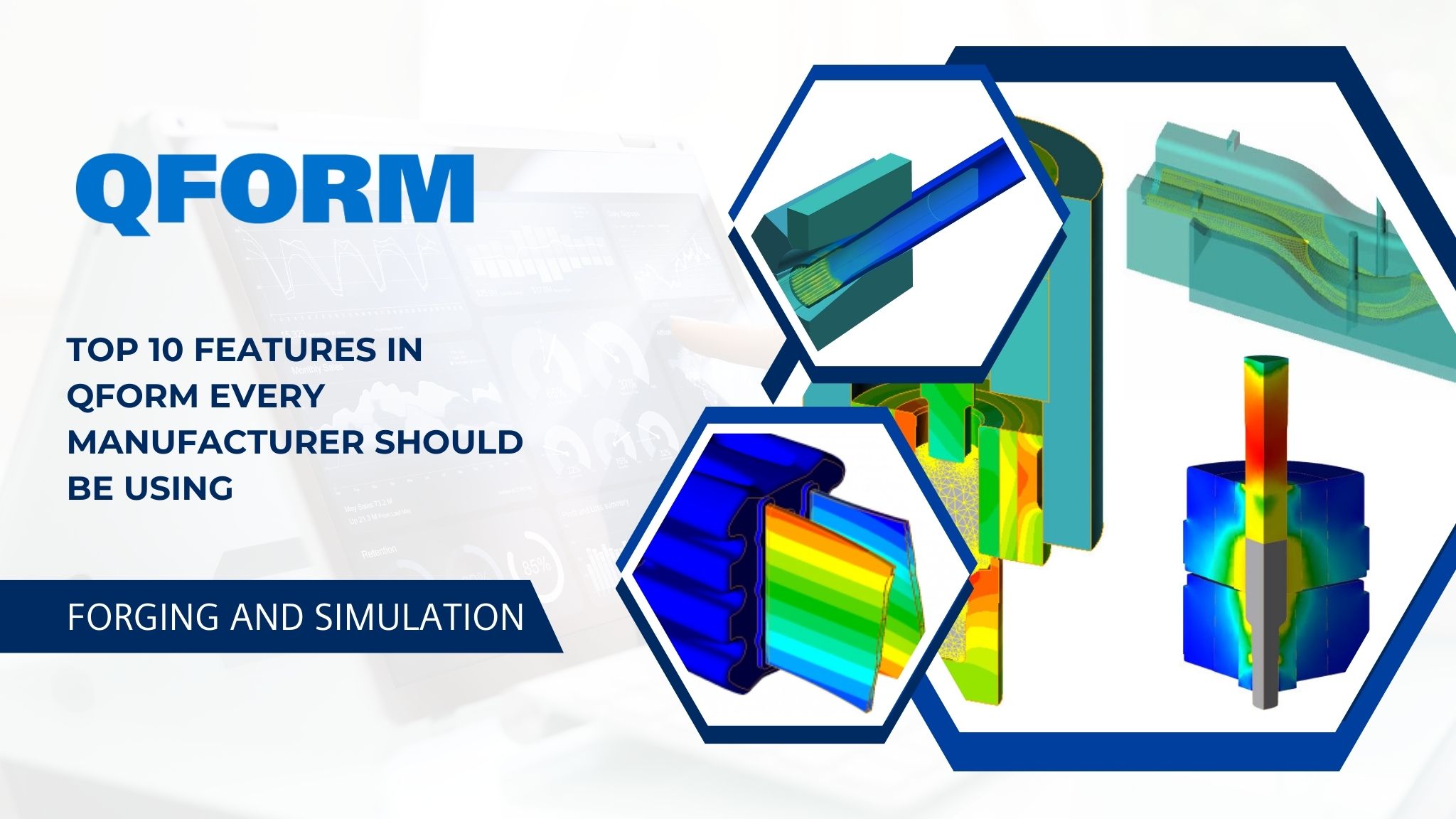
Expert Insights, Confidential Tools & Efficiency Techniques for High-Performance Forging and Extrusion Simulation
In the fiercely competitive landscape of manufacturing, simulation tools like QForm have become essential for firms engaged in forging and extrusion. However, numerous engineers utilize only a small portion of the software’s capabilities — frequently missing out on robust features that can significantly reduce trial costs, improve product quality, and increase operational efficiency.
Whether you are a forging specialist, die designer, or production engineer, these top 10 QForm features will help you optimize your simulation investment returns.
1. Advanced Metal Flow Visualization
One of the most remarkable features of QForm is its capability to simulate material flow with outstanding clarity.
Engineers can monitor strain, temperature, velocity, and stress distribution at every stage, enabling them to:
- Identify underfills, laps, and folds at an early stage
- Improve material utilization
- Modify the die geometry according to actual flow patterns
Pro Tip: Make use of the flowline animation tool to evaluate different options side-by-side.
2. Automatic Die Stress and Elastic Deformation Analysis
Die failure constitutes one of the most costly challenges in the forging industry. QForm’s automatic die stress evaluation allows you to anticipate:
- Tool cracking
- Wear zones
- Elastic deformation throughout the forging process.
This capability empowers manufacturers to prolong die life without necessitating repeated physical trials.
Hidden Feature: Enable thermal-mechanical coupling to evaluate both thermal and stress impacts simultaneously.
3. Multi-Stage Forging Sequence Simulation
For complex components, multi-stage forming is essential. QForm streamlines the configuration of:
- Preform design
- Blocking
- Finishing
- Coining
You have the option to evaluate each phase individually or as a seamless process to ensure optimal material distribution and defect-free results.
Productivity Hack: Utilize the automatic mesh inheritance feature to maintain uniformity throughout the stages.
4. Intelligent Mesh Creation & Dynamic Remeshing
The caliber of the mesh significantly influences both the accuracy and the speed of the simulation. QForm’s dynamic remeshing:
- Automatically adapts to areas of deformation
- Prevents mesh distortion
- Improves precision in areas subjected to high strain
Expert Insight: In hot forging processes, set a customized remesh threshold to reduce computation time while ensuring accuracy.
5. Comprehensive Microstructure & Grain Size Forecasting
Besides geometry, QForm predicts microstructural alterations, grain flow, and recrystallization — essential for the creation of high-strength components.
This allows manufacturers to enhance:
- Mechanical properties
- Heat treatment techniques
- Component durability
Hidden Feature: Activate static and dynamic recrystallization models for enhanced metallurgical predictions.
6. QForm Extrusion Module for Profile and Die Enhancement
For manufacturers of aluminum and steel extrusion, the dedicated QForm Extrusion module enables:
- Assessment of metal flow consistency
- Enhancement of die bearing design
- Control of temperature during the extrusion process
This greatly reduces die-related trial-and-error.
Productivity Tip: Utilize dead-zone detection to adjust die channels before the production of tools.
7. Press Load & Equipment Selection Assistant
QForm aids in identifying the exact load and force requirements, allowing manufacturers to:
- Select the correct press
- Avoid equipment overload
- Enhance machine efficiency
This functionality is crucial for verifying new part development or evaluating the feasibility of introducing new product lines.
8. Automated Defect Detection & Classification
QForm identifies possible forging defects before production, which encompasses:
- Central bursts
- Overlaps and laps
- Surface cracks
- Overheating zones
- Excessive thinning
Expert Tip: Make use of the defect history timeline to pinpoint the exact stage responsible for the issue.
9. Variant Comparison & Optimization Dashboard
Instead of performing numerous simulations separately, the variant comparison tool allows you to:
- Evaluate material flow
- Analyze energy consumption
- Investigate variations in die stress
- Enhance cycle time
Productivity Hack: Utilize the multi-variant batch mode to run multiple simulations overnight.
Final Thoughts: Enhance Productivity, Accuracy & Profitability
QForm is much more than merely a forming simulation tool — it functions as a complete solution that assists manufacturers in making well-informed decisions, reducing costs, and accelerating product development. By utilizing these top 10 features, engineering teams can:
- Minimize trial-and-error costs
- Prolong die longevity
- Improve part quality
- Reduce production cycle durations
- Increase overall profitability
For manufacturers aiming to sustain a competitive advantage in the forging and extrusion industry, mastering QForm’s sophisticated features is crucial for digital transformation.